- help@keylockdubai.com
- Al Satwa, Dubai, United Arab Emirates

A smart lock battery dead situation can lock you outside your own home in seconds. It happens often in Dubai, where summer heat drains lock batteries faster than expected. You still have several ways to get back inside without breaking anything. Here you will learn tested methods and how to avoid the problem next time. For trusted help across the city, the team at Key Lock Dubai supports residents 24/7.
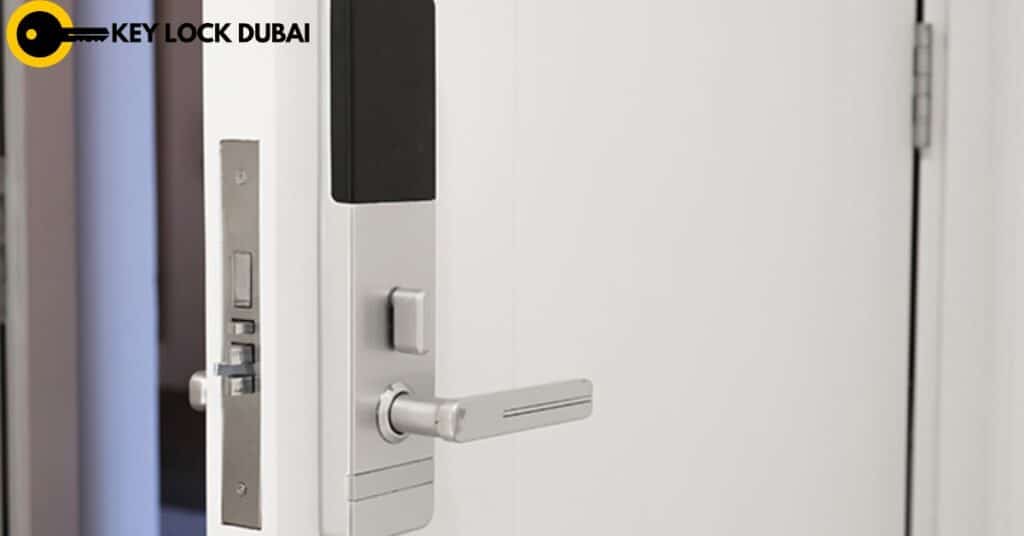
1. Check for a physical key bypass
Many smart locks are built with a backup keyhole in case the battery dies or something breaks. Before you panic, take a look at your smart lock to see if it has this feature.
How to use a physical key:
- Locate the keyhole, which is often hidden under a protective cover or rubber cap.
- Insert the physical key into the keyhole.
- Turn the key the same way you would a traditional lock, and the door should open.
Pro tip: Always keep a spare key in a safe place in case the battery unexpectedly dies.
2. Charge the battery (if possible)
If your smart lock uses rechargeable batteries, you may be able to temporarily give it enough power to open the door. Some smart locks allow you to connect a micro USB cable to charge the lock directly without removing the battery.
Steps to charge the battery:
- Locate the micro USB charging port, which is usually located near the lock or on the internal components.
- Connect a portable charger or phone charger (make sure it is compatible with the voltage and current requirements of the lock).
- Let it charge for a few minutes – just enough to turn on the lock.
Once you see the lock indicator light on, try opening it again.
- If your smart lock setup doesn’t include emergency charging instructions, refer to the product manual or app for detailed instructions.
Pro Tip: Keep a portable charger or USB power bank handy to quickly resolve these situations.
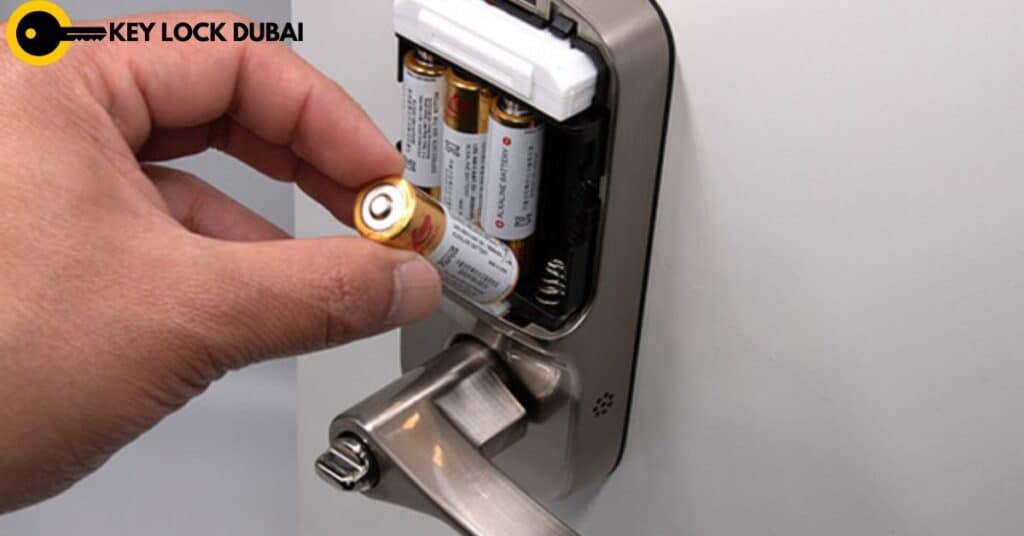
3. Manually replace the battery if the door is unlocked.
If you’re locked out and there’s no immediate way to operate the lock, you’ll need to replace the battery. Many smart locks have an easily accessible battery compartment that you can open with a screwdriver or your hands. You may need to remove the cover to access the battery.
Manually replace the battery if the door is unlocked.
Steps to replace the battery:
- Remove the cover or unscrew the back panel of the lock.
- Remove the old batteries.
- Insert new batteries of the same type (usually AA or CR123A).
- Replace the cover and try opening the door again.
Pro tip: Always use high-quality, long-lasting batteries to reduce the chances of encountering this problem again and again. Some smart locks also provide low-battery alerts via your phone or app, so you know when to replace it.
4. Use a quick fix
Some smart locks, like those made by August or Yale, offer a “jump-start” solution that allows you to use a 9-volt battery to temporarily power the lock. This method provides enough juice to open the door, giving you time to replace the dead batteries.
Steps to start the lock:
- Find the 9-volt battery terminal (usually a small spot on the outside of the lock).
- Connect the 9-volt battery to the terminals — this will provide enough power to open the door.
- Once the lock is closed, open the door and replace the dead batteries as soon as possible.
Pro tip: Keep a 9-volt battery in your home or on your keychain as part of your emergency kit for situations like this.
5. Contact customer support
If none of these methods work or you’re unsure how to access the battery or bypass the system, your best option is to contact your smart lock brand’s customer service. Contact support. They can provide step-by-step assistance and advise you on how to fix the problem. In some cases, you may be able to get a replacement part or lock if it’s under warranty.
How to contact support:
- Check the manufacturer’s website for troubleshooting guides and contact information.
- Many brands have 24/7 customer service hotlines.
- If you have an account with the manufacturer, you can also get remote support through their app or website.
6. Call a locksmith in Dubai (as a last resort)
If you are unable to resolve the issue yourself, you may need to contact a locksmith expert in Dubai for assistance. A locksmith Dubai can help you open the lock or even replace it if necessary. Make sure to choose a locksmith who has experience working with smart locks, as working with these devices often requires specialized knowledge.
For reliable smart lock installation in Dubai, you can contact Key lock Dubai, where our locksmith experts will be available 24/7 emergency locksmith to assist you.
Pro tip: Always keep a list of trusted locksmiths in your area, and check reviews before contacting them.
Prevent battery problems in the future
To avoid locking your device due to dead batteries, consider the following precautions:
- Setting up battery alerts: Many smart locks can send low-battery notifications to your phone through their app. Set up these alerts to get a reminder to replace your batteries before they’re completely dead.
- Use high-quality batteries: Invest in high-quality batteries designed for smart locks to extend their life.
- Maintain regularly: Check your lock regularly to make sure it’s working properly and replace batteries as needed.
- Consider a lock with a long battery life: Some newer models have batteries that last longer, reducing the frequency of battery replacements.
Conclusion
A dead battery doesn’t mean you’ll be locked out forever. With Key lock Dubai, you can quickly regain access to your home by using a physical key, charging the lock, replacing batteries, or utilizing emergency features like jump-starting. To avoid such situations, consider setting battery alerts and keeping backup power sources on hand for added security and peace of mind.
